SecretFictional document and names
Find the leaker in four steps
You share a secret memo with 20 people, and one of them leaks their copy. You pick who and how. TAPAK only gets to see the evidence.
Step 1 of 4
Issue 20 copies
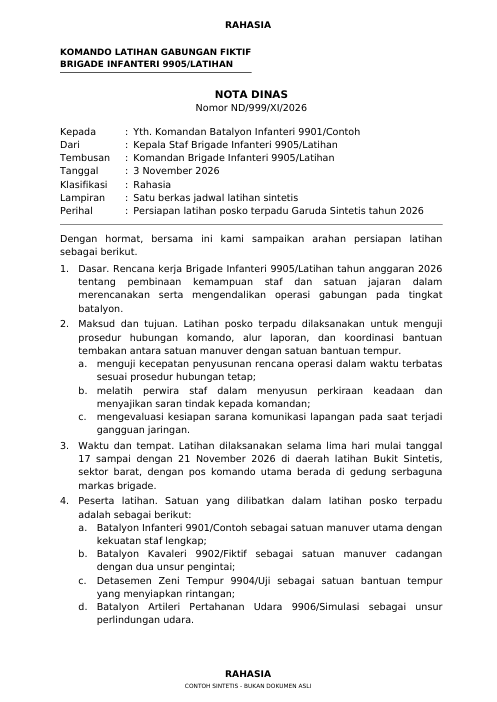
The sample memo (2 pages, fictional) goes to 20 fictional recipients. TAPAK makes one copy per person and puts its fingerprint in five layers:
- word and line shifts
- background dot pattern
- invisible characters
- sentence variants
- a canary address
It takes a few seconds, all on this computer.
The demo runs in a separate workspace with its own keys and registry. Your documents, keys and registry are not touched, and no data leaves this computer.
After the demo
Using TAPAK on real documents
It is the same flow as this demo, with your own document and recipient list.
Issue a document- Prepare two files. The master PDF (with a text layer, or scanned) and the recipient list as a CSV with the columns recipient_id, nama, jabatan, satuan (id, name, position, unit). Download a sample CSV
- Issue. On the Issue page, upload both, review the proposed sentence variants, then download a ZIP with one copy per recipient.
- Share. Send each copy to its recipient only. The registry records which copy went to whom, without storing the document’s contents.
- If it leaks, trace it. On the Trace page, choose the document and upload whatever is going around: a photo, a screenshot, a PDF, a DOCX, or pasted text.
- Report. Download the forensic report PDF from the trace result, and check that the issuance record is intact on the Registry page.